Import years of saves
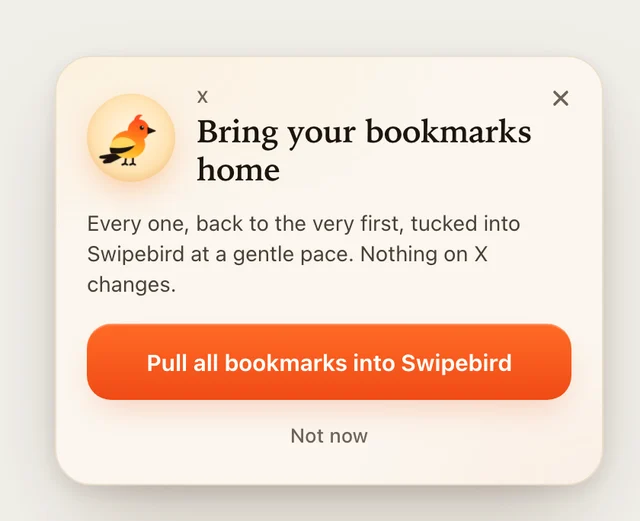
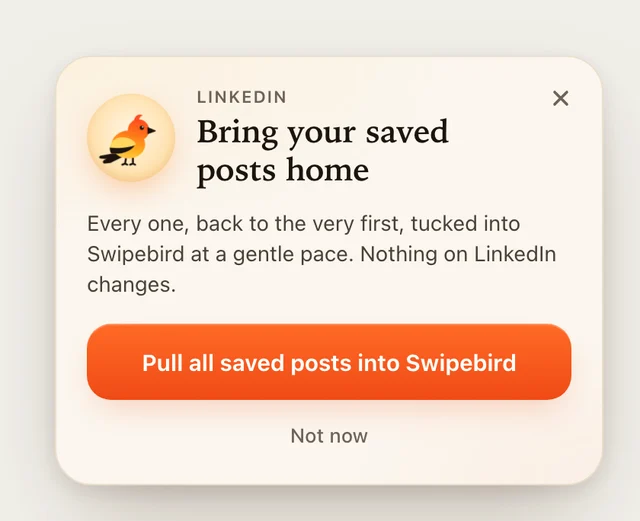
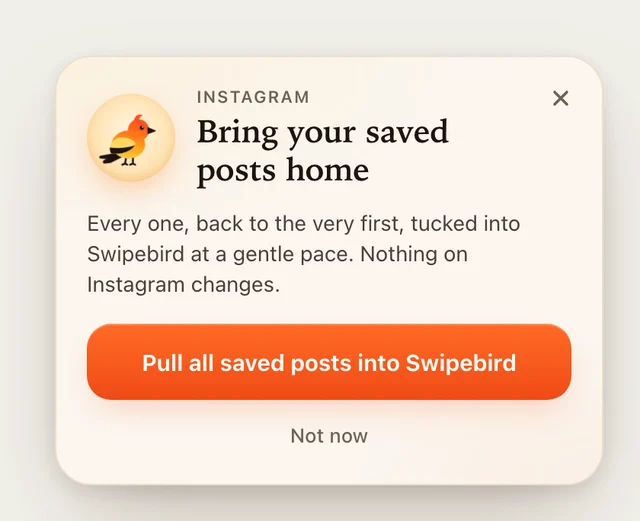
Open your X bookmarks, LinkedIn saved posts or Instagram saved page and press Import. It stops at posts you already have.
Every post you saved on X, LinkedIn and Instagram, pulled into one swipe file you can search in a second. Save new ones in one click while you scroll.
Works in Chrome and other Chromium browsers. Your saves stay in your browser until you choose to sync.
The extension runs in Chrome on a laptop or desktop. Send yourself the link and add it there in one click.


What it does
Open your X bookmarks, LinkedIn saved posts or Instagram saved page and press Import. It stops at posts you already have.
See a hook or an ad you love, click the bird, add a note. It lands next to everything else you kept.
Search every caption, author and note, even offline. Filter by platform or your own labels.
Turn on Pro to sync with your phone and let Claude or ChatGPT write from your best saves. See Pro.
Two minutes
Free forever in your browser. Add Pro later to sync with your phone and write from your saves with Claude or ChatGPT.